
Controls & Modes
Kona Compass Operating Modes and Control Guide.
How to use the Kona Compass motorized transducer rotator: manual mode, heading hold, auto search, direction lock, pedal control, and rotation speed adjustment.
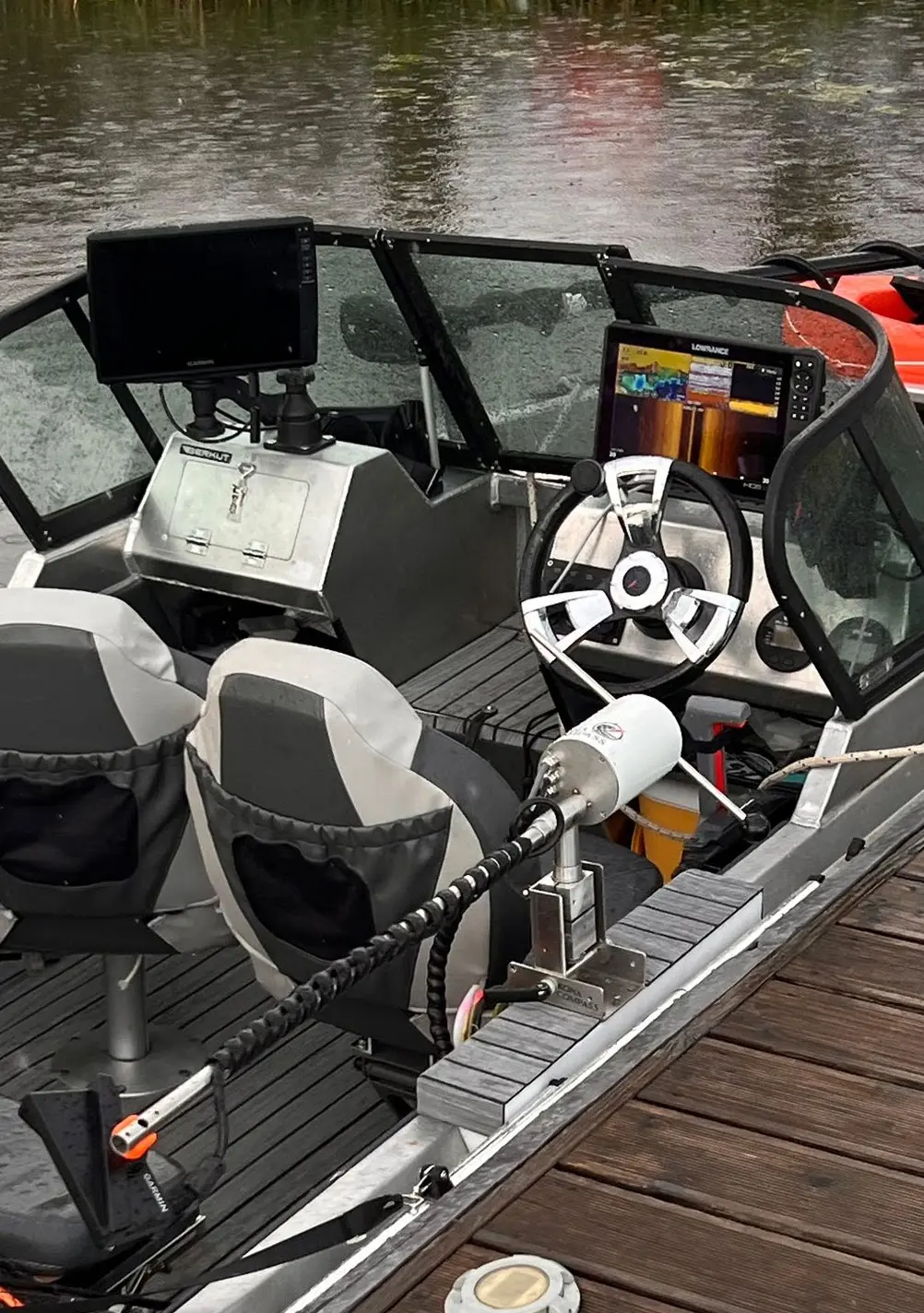
Interface Overview
Control logic at a glance.
Basics
Quick Start.
On power-on the device enters Manual Mode automatically.
The main control button switches between operating modes.
The Up button selects the parameter row; the Right button cycles through 5 levels.
Intelligence
Operating Modes.
Manual
Automatic on power-onDirect control over transducer direction. Instant response, full command.
Direction Hold
Short press of main buttonHolds the set direction automatically. Reduces constant correction in current or wind.
Auto Search
Hold main button 2 secSweeps a configurable sector automatically. Covers water without continuous input.
Direction Lock
Hold main button 3 secLocks a chosen direction precisely. For repeatable, fixed positioning.
Velocity
Speed Adjustment.
Rotation speed is adjustable across multiple levels — dial in the balance between quick reaction and fine positioning.
Coverage
Search Sector Adjustment.
Customize the sweep angle in Auto Search Mode to focus on a brush pile or cover an entire flat.
Be first. Join the list.
Leave your email to get launch updates and early access to pre-orders.
Free to join. No obligation to buy.